Buildings & workplaces
Building foot traffic counter and live occupancy, floor by floor
See how many people are in your building right now, which floors and rooms they are using, and how that changes by hour and by weekday. A 3D SCOPE II LC sensor over each entrance counts everyone in and out; T.M.A.S. turns those counts into a live building total, floor and room numbers, alerts and reports.
Harbor Point Tower · example Live
412 in the building · today’s peak 468 at 11:20
Floor 6 · Offices54 / 140
Floor 5 · Offices88 / 140
Floor 4 · Conference center186 / 200
Floor 3 · Offices41 / 140
Floor 2 · Cafeteria27 / 120
Lobby16
Alert at 180 · Conference center at 186 of 200. Security and the front desk were notified.
Who it’s for
One count, four teams that run the building
The same entrance counts answer different questions for each team, from the morning cleaning round to the next lease negotiation.
Facilities & operations: service by use, not by the clock
Send the cleaning crew to a washroom after a set number of visits instead of on a fixed round, and line up heating, cooling and lighting with the hours the building really fills and empties.
Workplace & real estate: size space on real attendance
Attendance by weekday and by floor shows which days are full, which floors sit half empty and how much room a hybrid team really needs, well before a renewal or a move.
Property & asset managers: show the traffic
Daily lobby and entrance counts give owners, tenants and prospects hard numbers on how busy the building is, and compare every property in the portfolio on the same measure.
Security & front desk: a live headcount
Know how many people are inside at any moment, get an alert when an auditorium or event floor nears its posted limit, and review entries hour by hour, including after hours.
Built for
Office towersCorporate campusesGovernment buildingsUniversity buildingsCoworking spacesMixed-use complexesConference centers
Coverage
Count the building at three levels
Start with the whole building and add detail only where a decision depends on it. Every level uses the same sensors and the same dashboard.
The building
A sensor over every entrance people use: main doors, side doors, the parking garage and any skywalk or transit connection. Their sum is the live building total.
A floor or zone
Count where people arrive: the elevator lobby and each stairwell door. A floor total is only as good as its least-watched door, so every way in is covered.
A room
An auditorium, cafeteria, gym or meeting room: one sensor at its door, its own capacity and its own alert.
Why not use badge or turnstile data?
Access control counts cards, not people. One swipe can let a small group through, visitors and contractors often have no badge, and many buildings never ask anyone to badge out, so a headcount built on badges drifts further from reality as the day goes on. A sensor counts every person, in both directions.
In T.M.A.S.
What your team sees
Live totals
The building, each floor or zone and each room you count, updated in real time on a phone, tablet or computer.
Alerts at your thresholds
Choose the count for each space; security, facilities or the front desk are notified as it gets close.
Trends by hour and weekday
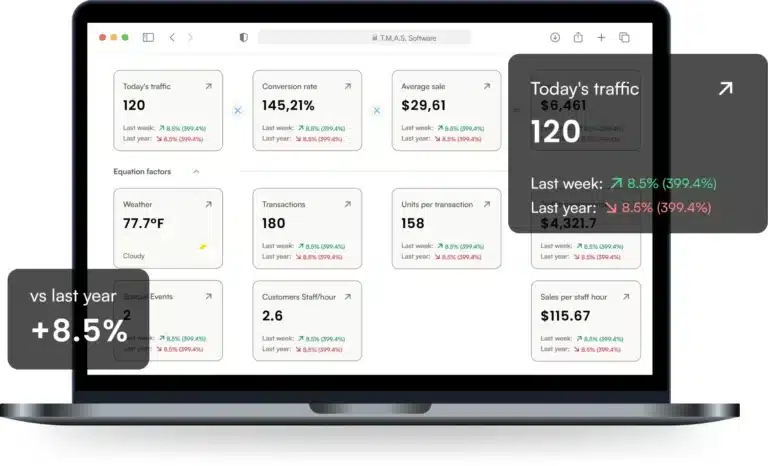
When the building fills, peaks and empties, and how this week compares with last month or last year.
Every building in one account
Compare sites side by side on the same measures, each with its own capacities and alerts.
Screenlet on lobby screens
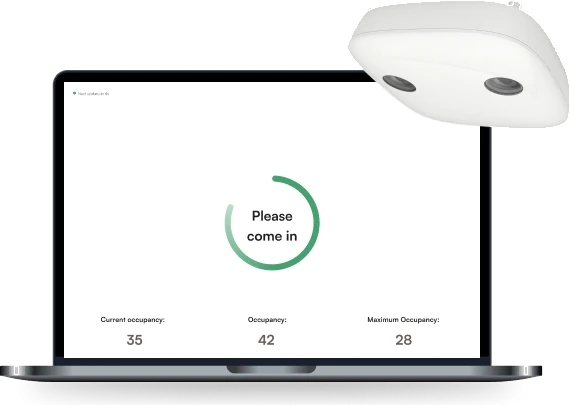
A live web page for a lobby TV, a tablet at a door or digital signage: the building, a floor or several rooms, switching between Come in and Stop at the limit. The Web API covers your intranet and your own displays.
The Storetraffic app for staff
With the Real-Time plan, the front desk and security see the live count and where it stands against your maximum, and adjust it by hand if a count goes wrong.
What we recommend
A 3D sensor over each entrance
A live headcount subtracts exits from entries all day, so the sensor has to catch both directions every time, including colleagues walking through side by side.
Buildings
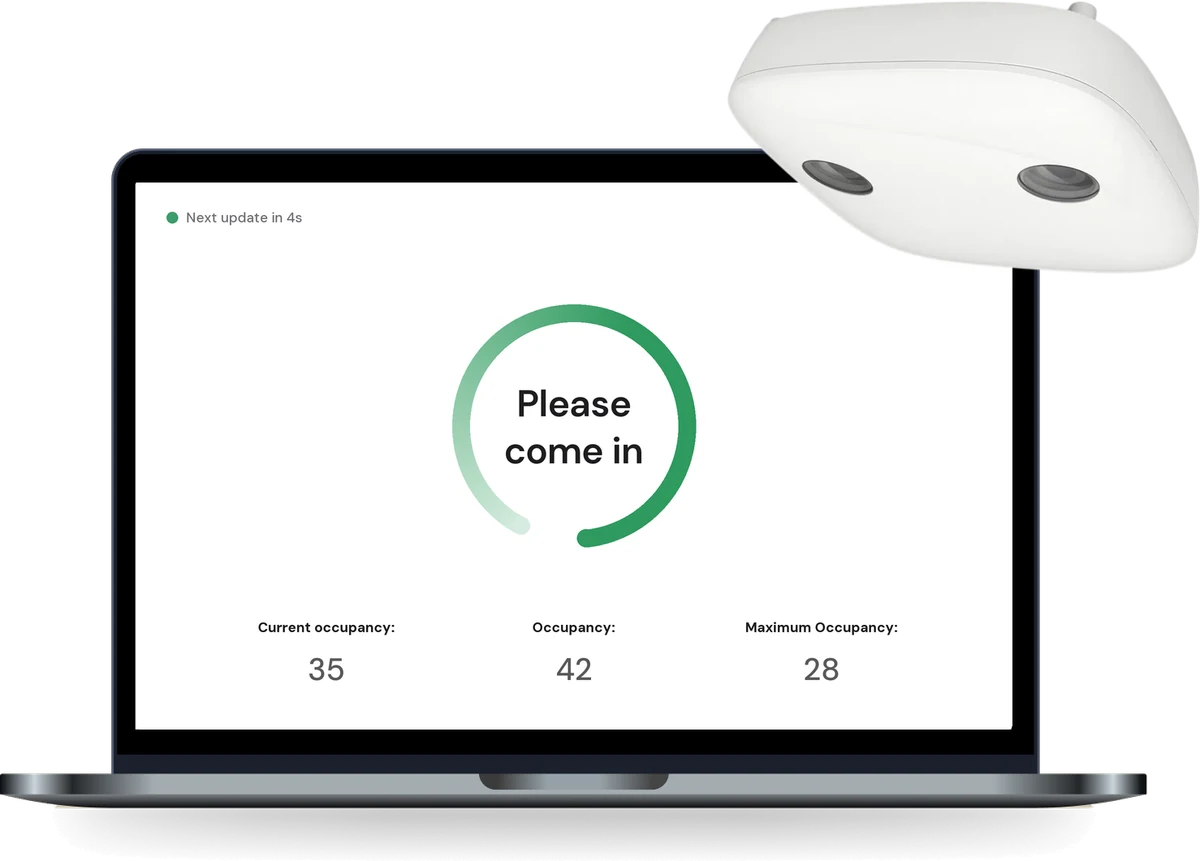
3D SCOPE II LC + T.M.A.S. Real-Time
$1,149.95 USD per sensorReal-Time plan $51.95 USD a monthOne PoE cable
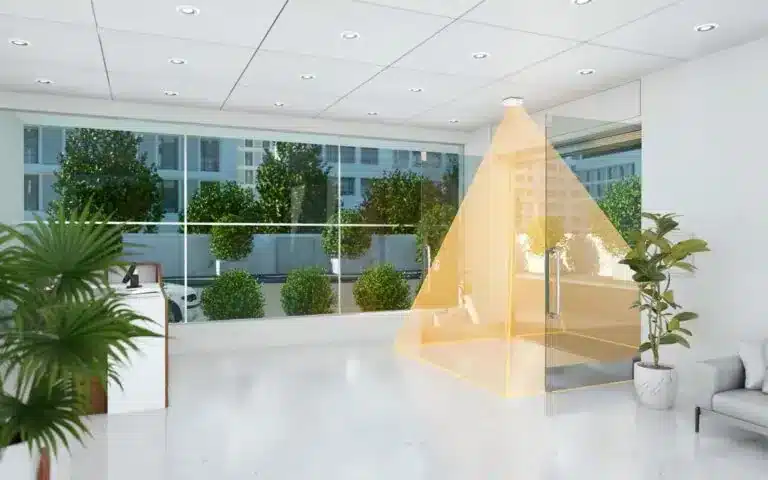
Mounted on the ceiling over the entrance, it sees people from above, separates groups and counts in and out at the same time. Rated up to 99%+ on adults, with a written 95% minimum for two years, and calibrated remotely by our team. It counts on the device and sends T.M.A.S. numbers, not video, so nobody is identified.
See the 3D SCOPE II LC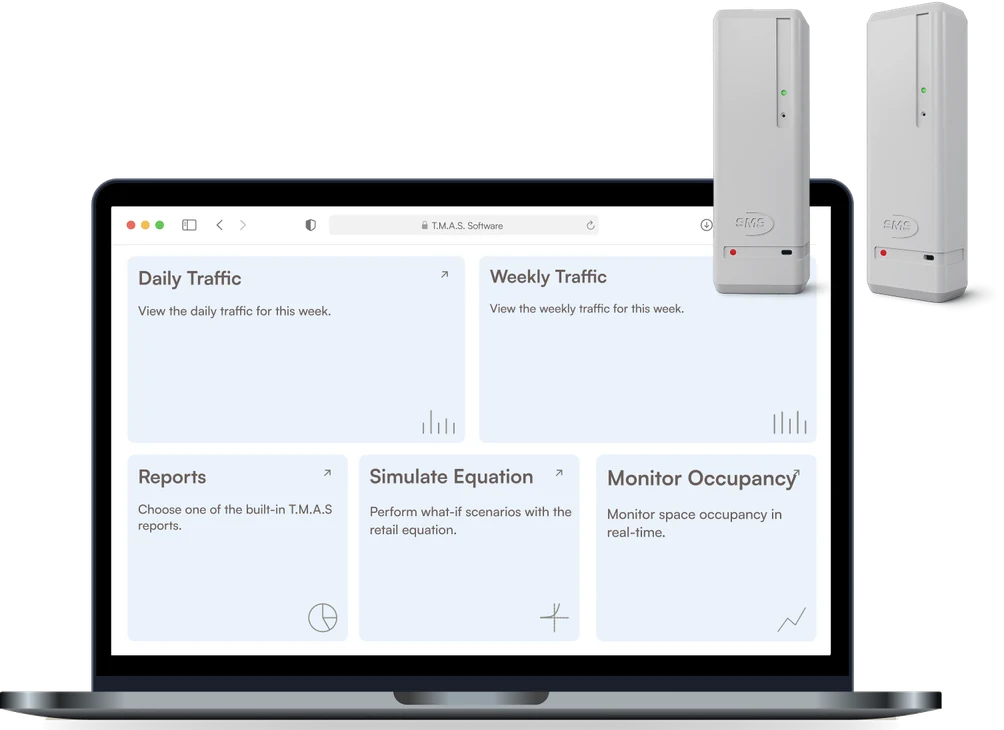
Only need to know how many people came in?
For daily and hourly visitor counts, the busiest entrances and how traffic changes from one weekday to the next, without a live count of who is inside, a PEARL wireless door counter with the T.M.A.S. Standard plan is enough: $499.95 USD per entrance and $33.95 USD a month per device ($27.95 USD prepaid yearly). It sticks to the door frame, runs on batteries over your Wi-Fi and needs no cable.
Washrooms are a good example: sending the cleaning crew after a set number of visits needs a visit count at the door, not live occupancy. Live occupancy, alerts and entrance screens need the 3D SCOPE II LC with the Real-Time plan.
Comparing an automated system with someone counting by hand, cost included? Our guide to occupancy monitoring walks through the options.
FAQ
Building occupancy questions
How many sensors does a building need?
One over each entrance people use to come and go, including the parking garage and side doors; a very wide entrance may need two. Add sensors at a floor’s or a room’s entrances only where you want that space’s own number.
Can we see occupancy floor by floor?
Yes, when every way onto the floor is counted: the elevator lobby and each stairwell door. T.M.A.S. adds them into a live floor total that sits next to the building total and the room counts.
Why not use our badge or turnstile data?
Badges count cards, not people. Groups pass on one swipe, visitors and contractors often have no badge, and few buildings require badging out, so the number drifts during the day. A sensor counts every person in both directions.
Does the sensor record video or identify people?
No. The 3D SCOPE II LC counts on the device and sends counts to T.M.A.S., not video, and it identifies no one. More in our guide to people counters, including how privacy law treats anonymous counting.
Can the live count appear in the lobby or on our intranet?
Yes, with Screenlet, part of the Real-Time plan: a live web page for a lobby TV, a tablet or digital signage that updates on its own, covers the whole building, one floor or several rooms, and flips from Come in to Stop when a space is full. To show the count on your intranet or in your own displays, build on the Web API or integrate it.
Do washrooms need live occupancy?
No. Cleaning a washroom after a set number of visits only needs a count of the people going in, so a simple door counter such as PEARL with the Standard plan is enough. Live occupancy matters for spaces with a capacity limit: auditoriums, event floors, cafeterias.
Can we manage several buildings in one place?
Yes. Every building sits in the same T.M.A.S. account with its own capacities and alerts, so you can compare sites, floors and weekdays side by side.
See your building’s numbers in a demo
In 20 minutes we show the live building view, floor totals, alerts and reports, and talk through which of your entrances to count.